

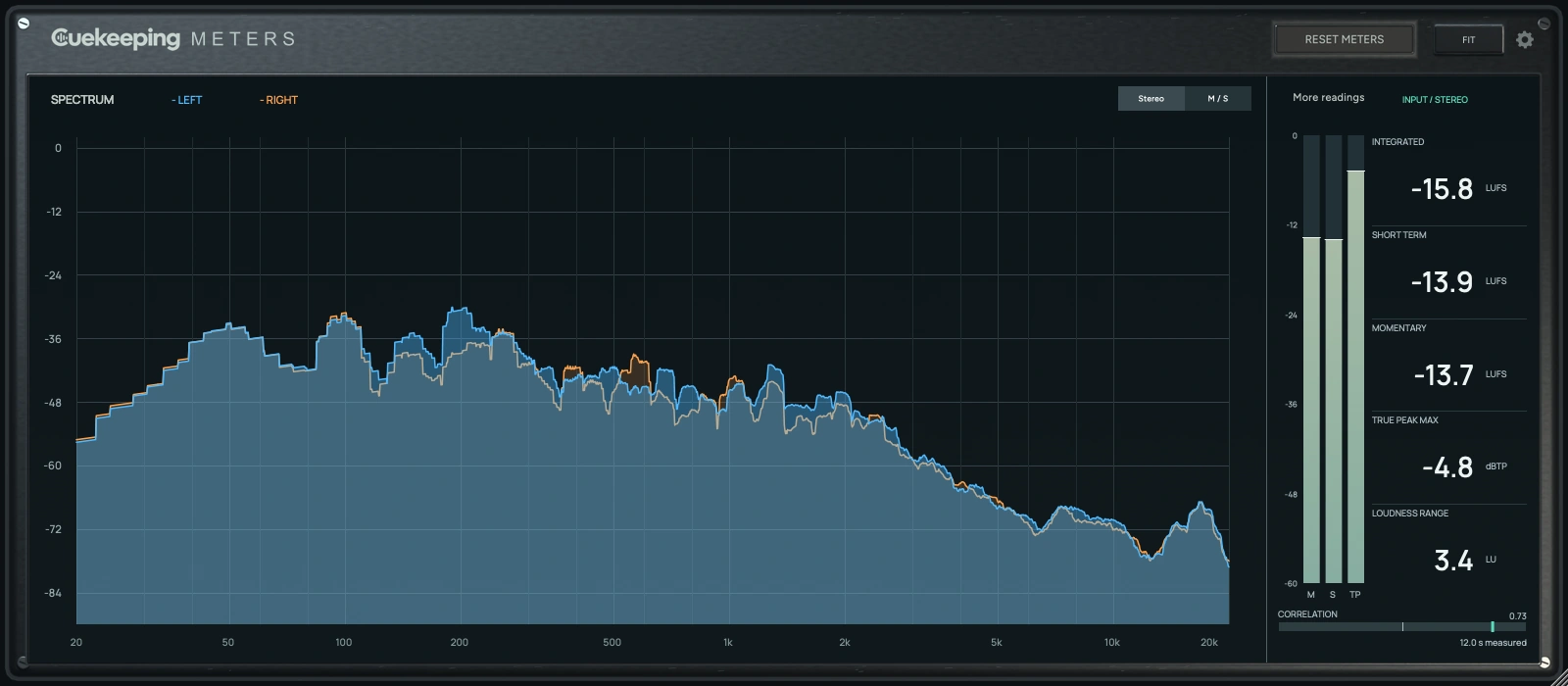
Keep the readings close.
Drop Meters onto a stereo track or your master bus. Follow the peaks as you mix, with spectrum and loudness together in 1 place. Your audio passes through unchanged.
Choose your
format.
Join the Cuekeeping email list and complete free checkout to get every installer in your account. No plugin activation required.
Mac
macOS 12 or later. One signed, notarized installer includes AU and VST3 for Intel and Apple Silicon.
Windows
Windows 10 or later for x64; Windows 11 for native ARM64 / ARM64EC. Choose the architecture that matches your DAW. Windows installers are unsigned.
Every package includes its installer and user manual. Read the manual.
Mac · Windows x64 · Windows ARM
Meters
Choose your platform.
Join the Cuekeeping email list and complete free checkout. Your account includes all 3 installers. No plugin activation required.
Using an x64 DAW on Windows ARM? Choose Windows x64. Native ARM DAWs use the Windows ARM package.
Watch the whole mix.
Overlay left and right channels, or compare Mid and Side. Adjust the FFT, averaging and display range to suit the job. Freeze the spectrum or hold peak traces while you look closer.
Keep the readings in reach.
Integrated, short-term and momentary loudness sit beside vertical meters. Check true peak, LRA and correlation. More readings adds RMS, sample-peak maximum, loudness maxima and peak-to-loudness ratio.
See the result as you work.
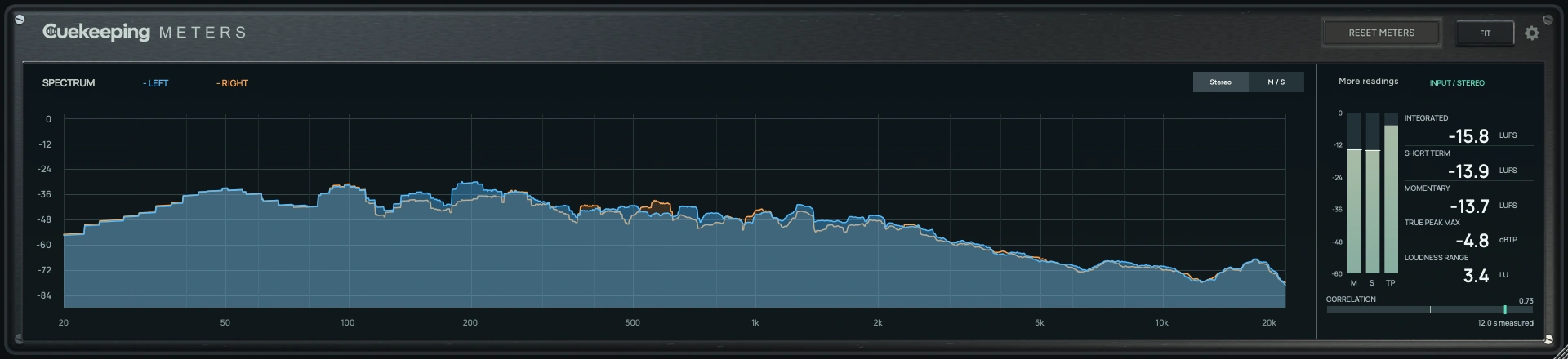
Watch the spectrum and loudness readings as you make adjustments in your DAW. The main readings stay together, with more detail a click away.
Measure a fresh pass.
Reset before playback and run the whole track for a whole-track integrated reading. Stop/resume keeps the pass. Reset on seek starts again when you jump or loop in the DAW.
Read the Meters guide · Open the manual · Get support
Read the mix.
Cuekeeping Meters vs. Voxengo SPAN
Compare the free Cuekeeping Meters and Voxengo SPAN analyzers, including loudness, Mid/Side, channel routing and format support.
Cuekeeping Meters vs. Youlean Loudness Meter Free
Compare Cuekeeping Meters with Youlean Loudness Meter Free for live mix checks, loudness history and spectrum context.
Read loudness and peaks without mixing them up.
Understand the difference between loudness, average power and peaks, then measure a useful pass in Cuekeeping Meters.
Look closer at the stereo image.
Use Mid/Side analysis and correlation to inspect a stereo mix, then check what survives a mono sum.
Interface shown during stereo playback.
Before you download
Is Meters free?
Yes. Join the Cuekeeping email list through the disclosed signup button, then complete a $0 Polar checkout. The installers appear in your Cuekeeping account. The installed plugin works offline and needs no activation.
Does Mid/Side change what I hear?
No. Stereo and M/S change the analyzer display. The audio passes through unchanged, with no added latency.
Is this an exact SPAN replacement?
The analyzer uses a calibrated Hann window with Joe Ford’s numeric SPAN defaults. It doesn't reproduce Voxengo’s proprietary Dome window. The loudness engine uses libebur128. Complete EBU certification isn't claimed.
Which systems are supported?
Mac includes universal Apple silicon and Intel AU/VST3 plugins for macOS 12 or later. Windows x64 needs 64-bit Windows 10 or later. Windows ARM includes ARM64 and ARM64EC VST3 variants for matching hosts on Windows 11 ARM. Meters requires a stereo host.